
Set up a Shopify chatbot and test it in theme preview
Use a preview theme to try the complete visit: choose a size, ask for delivery details, open the source and return to the same product.
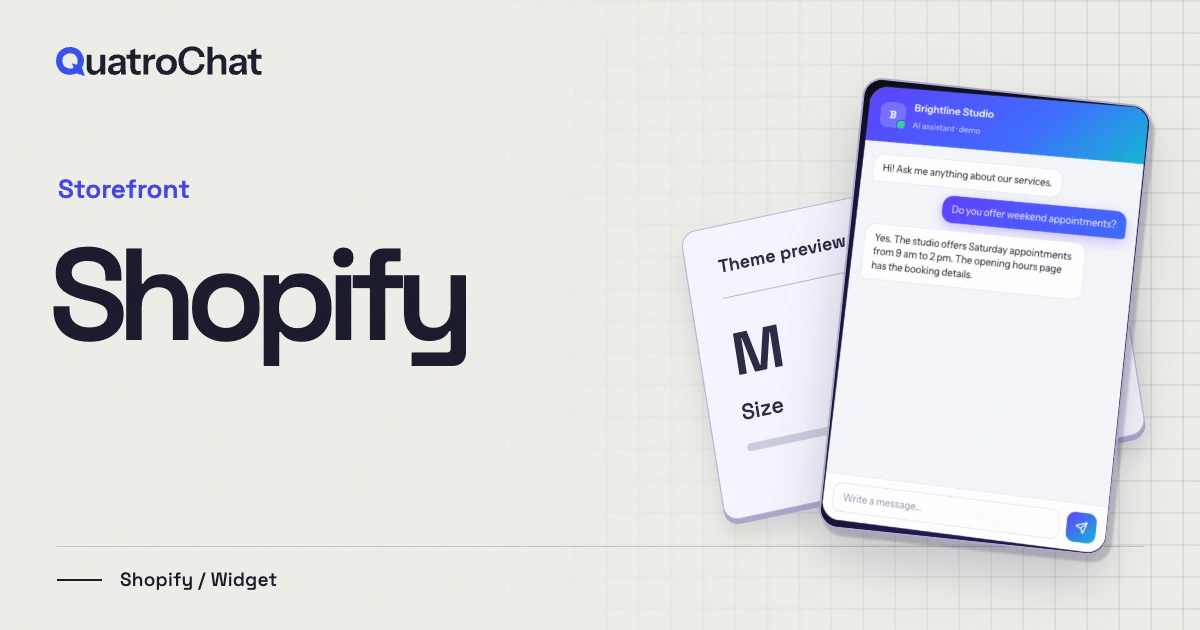
A visitor has selected a medium jacket and wants to know if it will arrive in time for a trip. A useful chat can explain the shop’s published delivery window. It should also leave the selected size intact when the visitor closes the conversation. Test both parts before the new theme reaches your storefront.
Work on a copy of the active theme
In Shopify, duplicate the active storefront theme and use its preview. Copy the widget snippet for this shop from QuatroChat. If your theme offers an appropriate custom-code location, use it. Otherwise have its maintainer add the snippet once to the shared storefront layout, typically before the closing body tag in layout/theme.liquid. Keep a note of the theme and file. A future replacement theme will need its own check.
Technical reference: Shopify Help Center, Editing theme code.
Test a delivery question with a destination
Add the public shipping page as a knowledge source. If the policy has separate domestic and international windows, ask the same question first without a destination and then with one. A good answer asks for the missing country and preserves the difference between dispatch and arrival. A live order status requires access to that particular order. Route it to your existing service process.
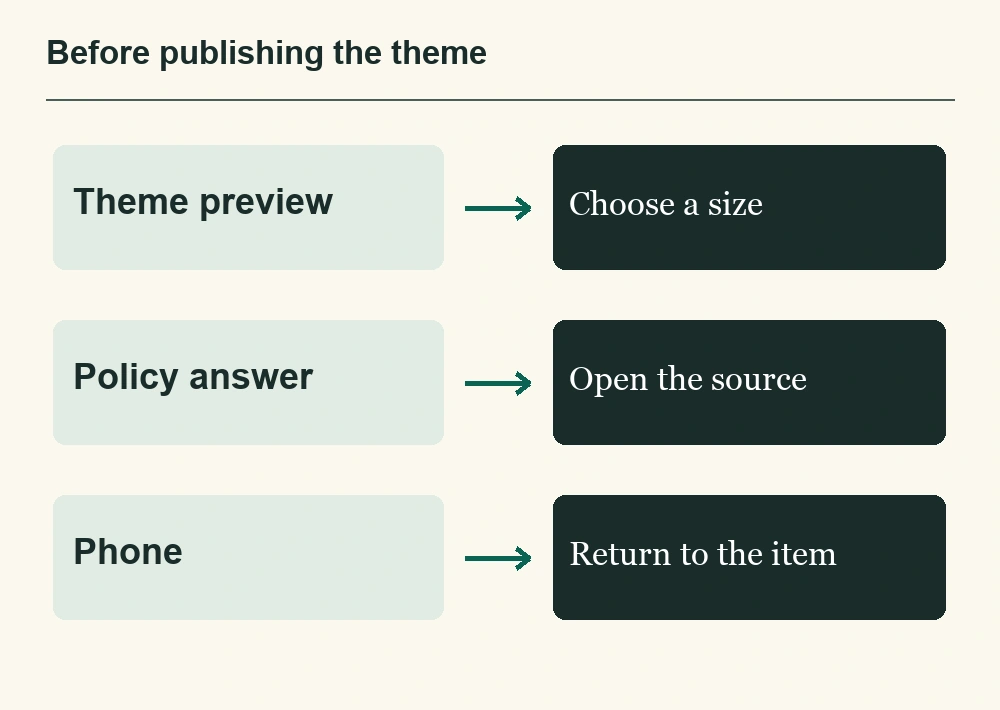
| Page | Customer action | Expected result |
|---|---|---|
| Product page | Select a size and open chat. | One usable widget appears and the selected size remains. |
| Shipping question | Ask when a jacket goes to another country. | The reply cites the right policy, including any dispatch qualifier. |
| Small screen | Return from the source and ask for a colleague. | The conversation can continue and controls remain reachable. |
Publish the tested copy and revisit the live shop
Preview and published storefronts can have different URLs. Check your widget’s allowed site domains if the preview does not show the chat. After publication, repeat the test on the actual shop domain in a fresh session. Check the offline path too, so someone planning a trip late at night knows how to get a personal answer.
You can keep live chat free and add AI after those checks. For more control, start with individual service pages and choose Hybrid mode for questions the policy cannot settle.